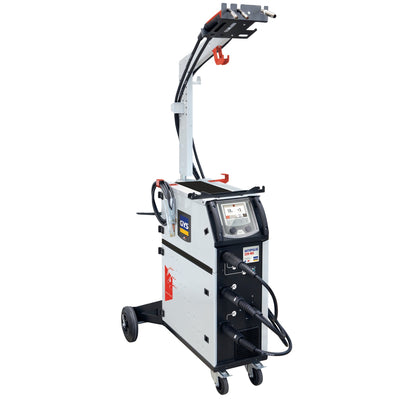
Discontinued
Get the update for AUTOPULSE 220-M3 (AUTOPULSE M3) (opens the GYS update page)
Support
Firmware & software updates
Keep your GYS machine on the latest version. Download the update for your serial number, copy it to a USB stick, and the machine installs it when you switch it on.
Find your machine-
Find the serial number
It is printed on the rating plate of the machine. Keep it at hand: the GYS update page uses it to give you the right file for your unit.
-
Download the update
Open your machine below and choose Get the update. On the GYS update page, enter the serial number and download the .egf file.
-
Install it from USB
Copy the file to the root of a USB stick formatted FAT32 or exFAT, with no other .egf file on it. Switch the machine off, plug in the stick, and switch on while holding the update key shown on the GYS page.
What you'll see on the screen
- System Update / Please wait — the update is running. Leave the machine on and the stick in.
- Update completed — done. The machine restarts by itself after 3 seconds.
- Versions are up-to-date — your machine already runs the latest version; it restarts normally.
- USB stick not recognized — reformat the stick as FAT32 or exFAT and copy the file again, outside any folder.
Machines with updates
Choose your machine
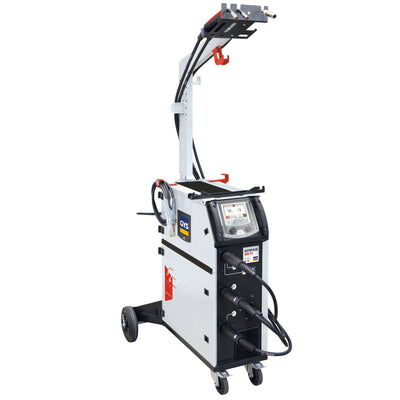
AUTOPULSE 320-T3
Ref. 036970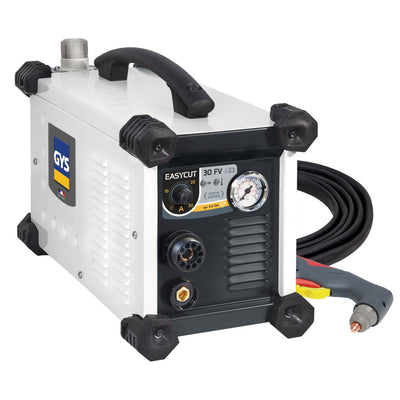
Easy Cut 30 FV
Ref. 013858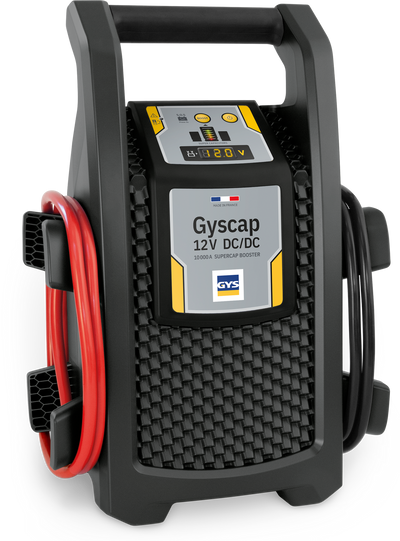
GYSCAP 12V DC/DC BATTERYLESS BOOSTER
Ref. 087651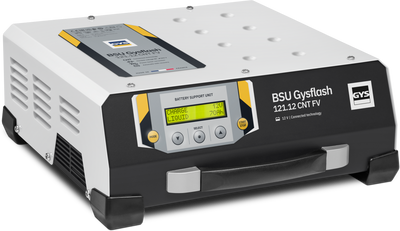
GYSFLASH 121.12 CNT FV (5m Cables)
Ref. 026971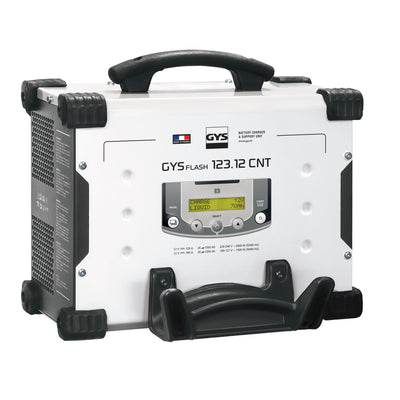
GYSFLASH 123.12 CNT FV (Cables 5.0m)
Ref. 025677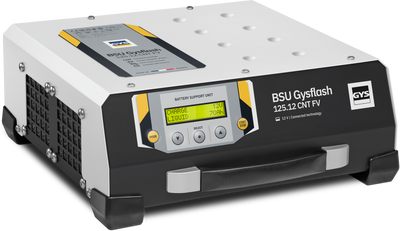
GYSFLASH 125.12 CNT FV (5m Cables)
Ref. 028883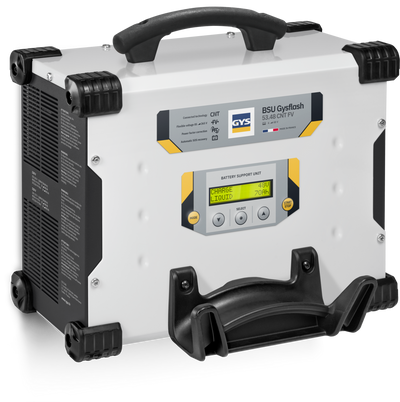
GYSFLASH 53.48 CNT FV (5m Cables)
Ref. 025998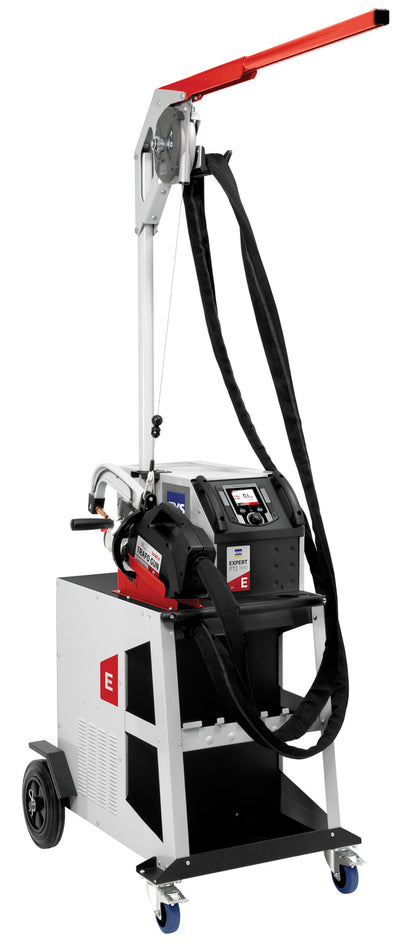
GYSPOT PTI EXPERT (5M) - 208/240V
Ref. 083950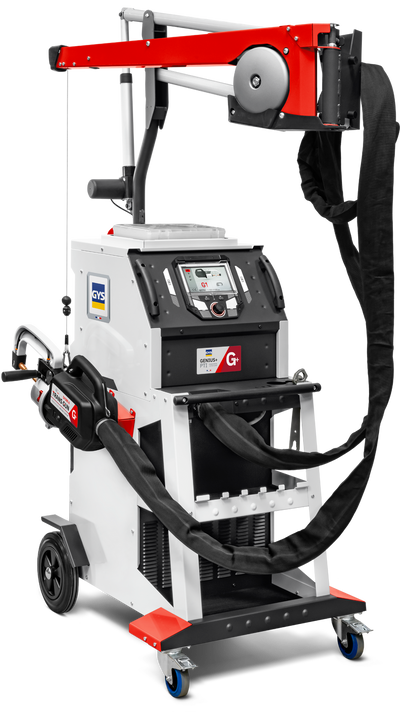
GYSPOT PTI GENIUS PLUS
Ref. 083288
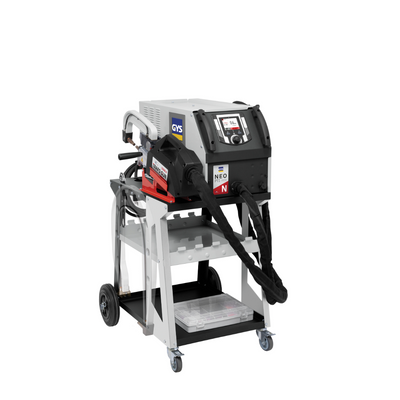
GYSPOT PTI NEO
Ref. 084841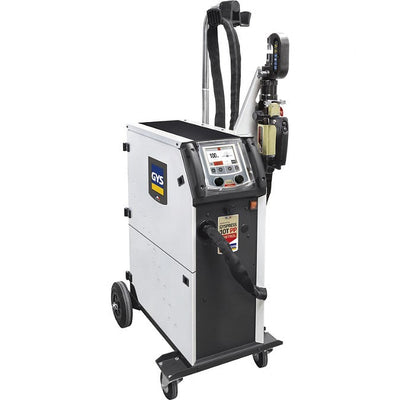
GYSPRESS WORKSTATION 10T PUSH-PULL CONTROL
Ref. 063860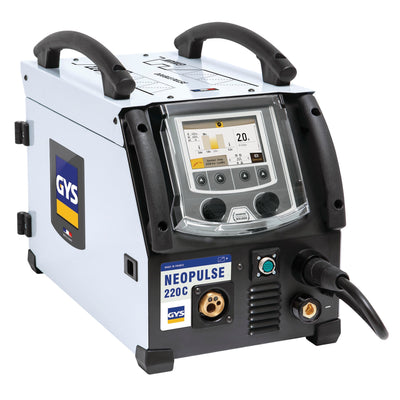
NEOPULSE 220 C - NEW - Clearence
Ref. 061835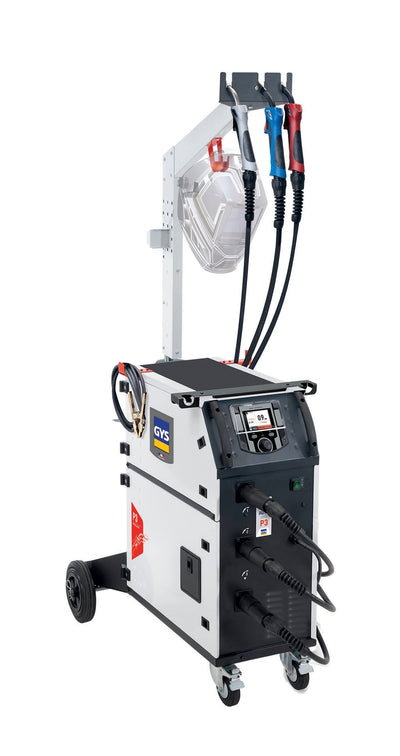
P3 GYS AUTO
Ref. 080928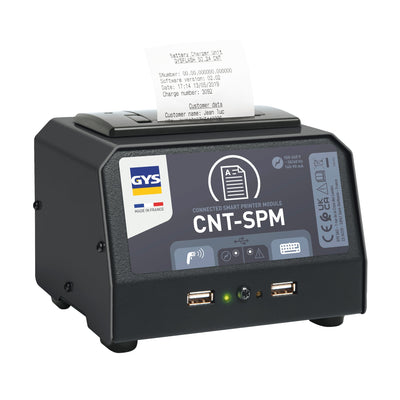
PRINTER MODULE
Ref. 026919Machine not listed, or the update didn't take?
Older machines without a USB port are updated by our service team. Send us the model and serial number and we'll tell you what your machine needs.